Your loyalty programmelive today
In your customers’ pocket, with AI designing the campaigns for you.
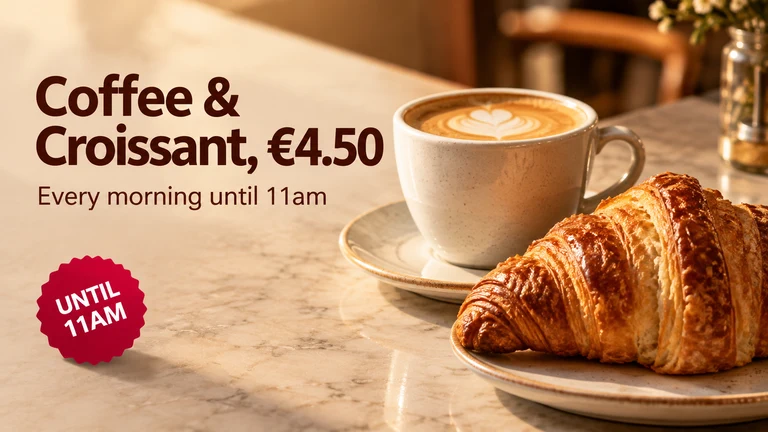

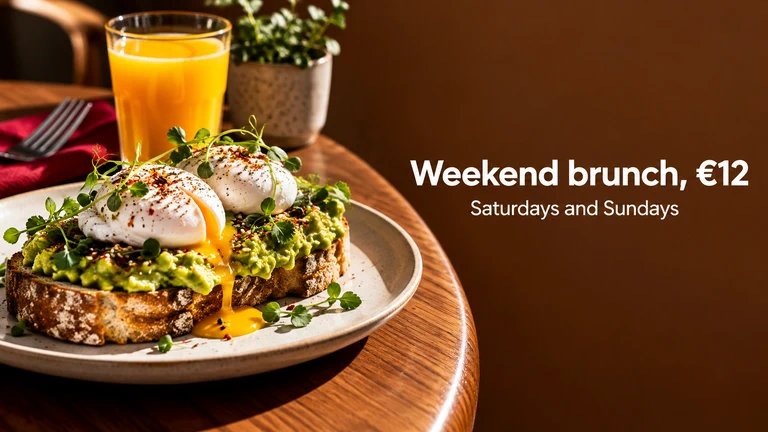
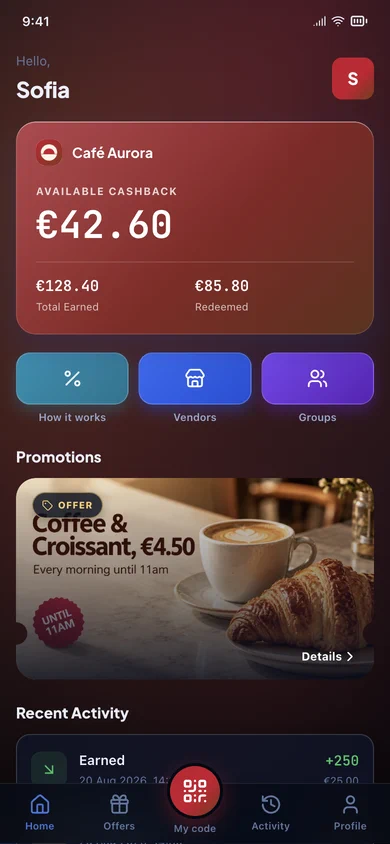
The Promotions page of the Neo One admin panel, with its table of promos. Pressing Send Notification on a promo delivers it as a push notification to the customer's phone, where tapping it opens the offer inside the app.
- 5x
- Higher retention
- 67%
- Higher average ticket
- 68%
- Feel appreciated
- 5–25x
- Cost to acquire a new customer
Your admin panel
Clear metrics. Your business under control.
Track members, revenue and transactions. Manage promotions, rewards and notifications from one place.
The Neo One admin panel with its fourteen sections: dashboard, users, employees, transactions, groups, loyalty, promos, rewards, broadcasting, readers, templates, branding, reports and company. The dashboard shows total members, transactions today, monthly revenue and active promos, a chart of transactions over the last 30 days, the annual notification quota and the last eight transactions, all updating live.
Your panel, updating as it happens.
AI Promo Studio
Like having a designer on call
Describe your offer in one line, or start from a ready-made design. Twenty seconds later your customers are looking at a promo made to measure: your product, your words, your brand.
The panel’s AI Promo Studio: the offer is described, a mood, a setting and a camera are picked, and after three waiting states — waiting for a slot, composing, almost there — the finished poster appears, ready to use.
In a hurry? Start from a design
Sixty ready-made promos, laid out by a designer. Put your offer on one and it is live in seconds.

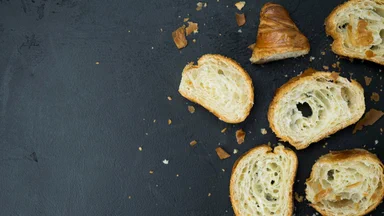
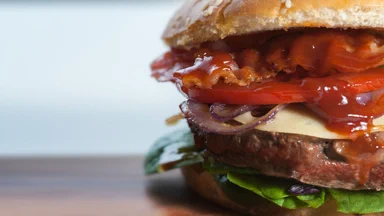


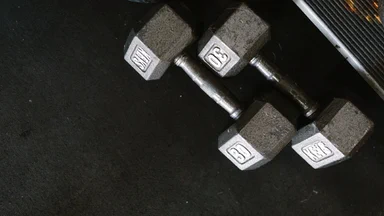







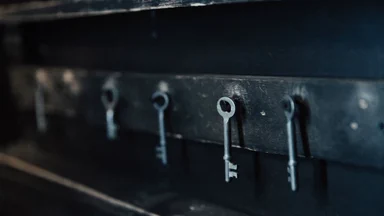


A sample of the sixty promo templates in the panel, in two rows: coffee, bakery, burgers, pizza, beauty, gym, jewellery, grocery, pilates, hairdressing, deli, yoga, five-a-side, locksmith, hotel and ramen.
Your staff
Scan, and it is done
No training, no POS to replace. Whoever is serving points their phone at the customer’s code and types the amount just charged. Cashback, points or a token to play: it is credited before the customer turns to leave.
- 1Read the codeThe customer shows their QR from the app. Or look them up by email or phone, if they left their phone at home.
- 2Type the amountWhat you already charged. Nothing else: how much that earns is the rule you set in the panel.
- 3Credited on the spotThe customer sees it in their own app, while they are still standing there.
The Neo One scanner app crediting a purchase, shown for each of the three schemes in turn: the staff opens the camera, reads the customer QR code, types a €24.00 purchase on the keypad, and the app confirms €1.20 of cashback, 24 points, or one visit recorded.
Go live today.
Start today